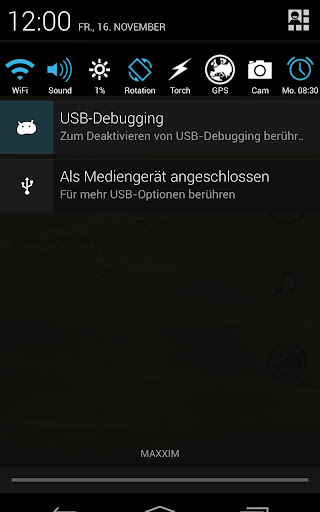
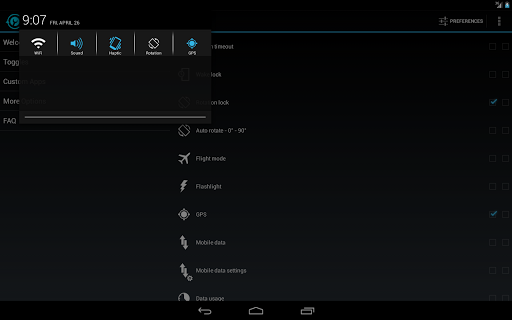
Description:Notification Toggle creates notifications in the Android status bar to let you quickly switch WiFi, Bluetooth, Silent mode, Screen rotation and Flight mode on and off or to adjust the screen brigthness (and many more...)
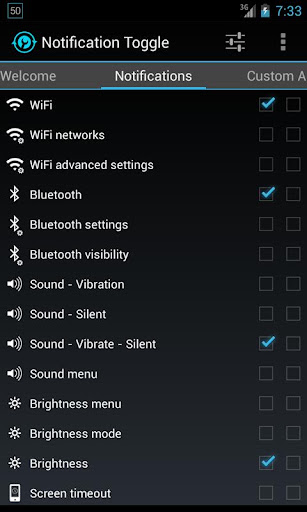
You can also add shortcut to your own apps into the notification bar!In the settings, you can choose which notifications should be active. All icons & colors can easily be changed through the app for full customization!
Notes:- not every toggle will work on every device
- some settings aren't changeable by user apps, so it will bring you directly to the android settings
- exclude from task-killers!
- if your device is rooted, you can install the app in /system/app for direct GPS toggle even on Android 2.3+ and more
- on Galaxy Note it seems to work only with the stylus on Android 2.x!
Available toggles & shortcuts:- WiFi- Bluetooth- Sound / Vibration, Sound / Silent, Sound menu- Brightness mode / menu / 5 predefined stages- Screen timeout dialog- Wake lock- Rotation- Flight mode- Mobile data- NFC- Flashlight (might require TeslaLED)- Sync & Sync now- WiFi- & USB-Tethering- Music: previous / next / pause- WiFi settings / advanced settings- Bluetooth settings, Bluetooth visbility- GPS- Mobile data settings- Data usage- Battery- Camera- next Wallpaper (requires WallpaperChanger)- Lockscreen (requires DelayedLock)- Shutdown & Reboot (requires root)- own apps & shortcuts
What's in this version:airplane mode might work with "airplane mode helper" installed (search @ xda) on 4.3motorola devices should not show battery > 100% any moreminor bug and usability fixes
Required Android O/S: 2.1+
Screenshots:
Download: (800KB)
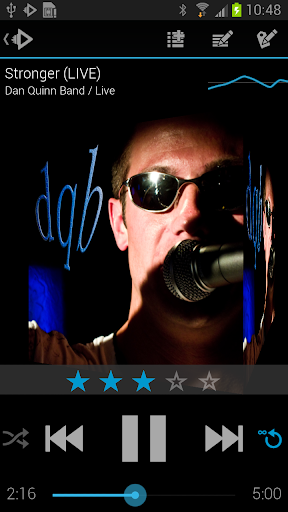
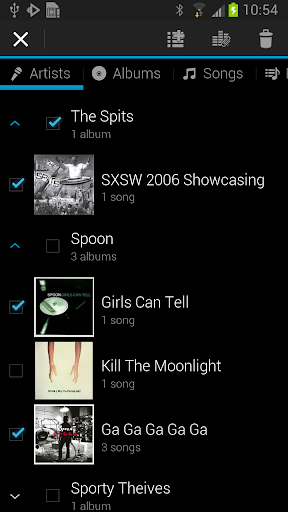
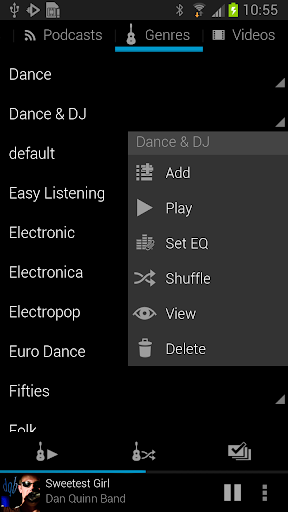
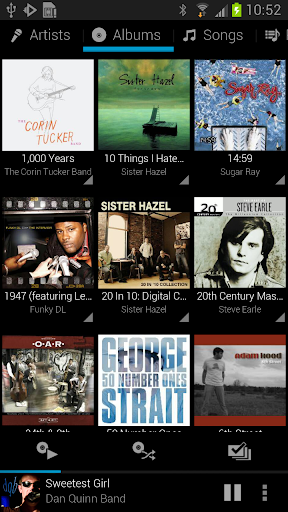
Desciption:A Player for Music Lovers.Rocket Player Premium Unlocker was designed with both the easy and advanced listener in mind. The Premium Unlocker unlocks advanced features built on top of the easy to use interface of the free Rocket Player.
Premium Features:- Album art downloading
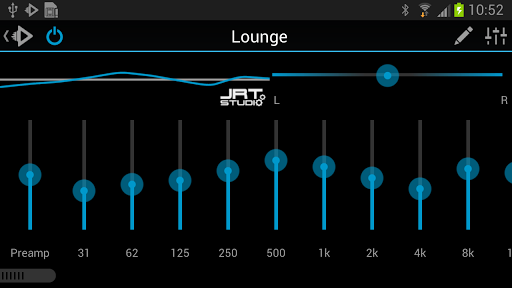
- 10 band graphic equalizer
- Assign an equalizer preset to a song, genre, playlist, artist, album, or podcast
- Preamp
- Right/Left balance control
- Gapless playback
- Crossfading
- Play Apple Lossless (ALAC)
- Albums marked gapless in iTunes will play gapless when used with iSyncr
- Start/stop time from iTunes is used when used with iSyncr
In the works:
Features:- Browse and play your music by albums, artists, genres, songs, podcasts and playlists
- Create and edit playlists within the player
- 5 band graphic equalizer (Android 2.3+)
- iSyncr Live Lists dynamically update while playing
- Fade in and out when playing and stopping songs
- Controllable from the lockscreen
- Podcast bookmarking
- 4x1 and 4x2 widget
- Support for most scrobbling apps
When combined with iSyncr, an app for syncing your iTunes music with your Android device, Rocket Player allows you to:- Sync new playlists and playlist changes back to iTunes
- Sync podcast bookmarks to and from iTunes
- Sync song ratings to and from iTunes
- iSyncr Live Lists dynamically update while playing
- Need help? Visit http://www.jrtstudio.com for quick tips or to contact support.
What's in this version: NEW: Recently Added, Recently Played and Top 25 playlistsNEW: Composer viewNEW: Podcast play indicatorNEW: Album grouping to group albums just like you like themNEW: Bluetooth connection volumeISSUE: Playlist support is more robust
Required Android O/S : 2.1+
Screenshots :
Download : 3.7MB
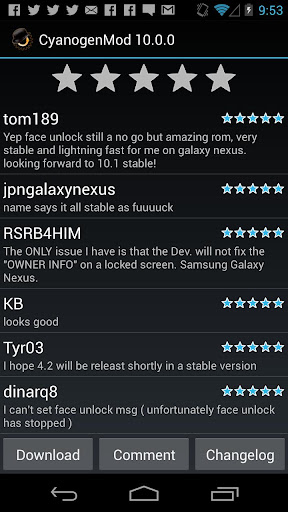
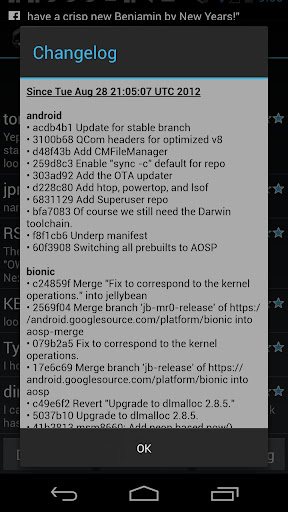
Description:Must have app for any root user. Make backups, flash ROMs, and own your device.ROM Manager is THE MUST HAVE APP for any Android root user. (Over 3 million downloads and counting!)
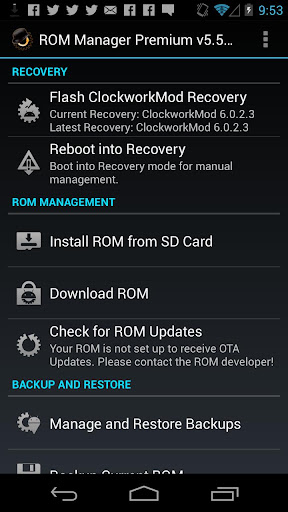
Features:- Flash your recovery to the latest and greatest ClockworkMod recovery.
- Manage your ROMs via a handy UI.
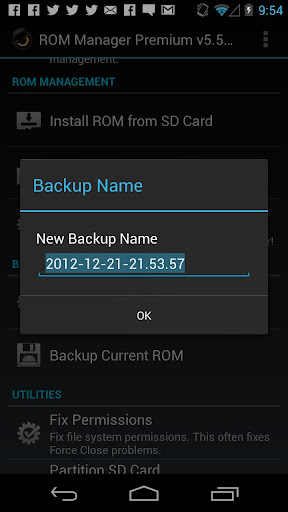
- Organize and perform backups and restores from within Android!
- Install ROMs from your SD card.
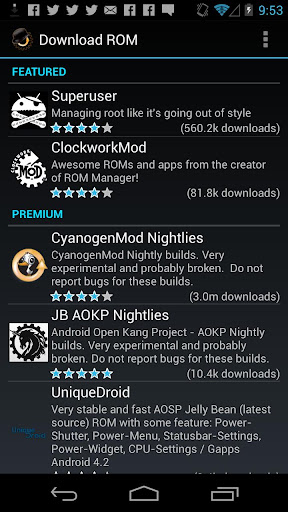
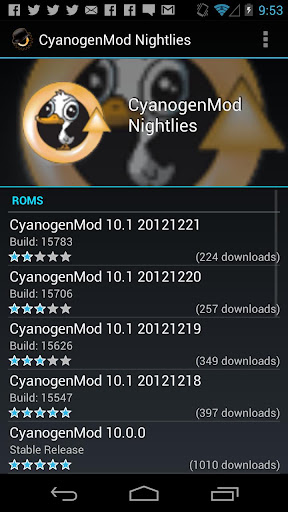
- Install your favorite ROMs over the air!
- Premium Version:
- Premium ROMs
- Receive notifications for when your ROM is updated!
- Automatic backups
- Install from QR Code
- Web Connect
- Support
Do you prefer using only recovery manually? Check out the Touch Recovery in app purchase, for the most advanced recovery available!
What's in this version: Crash fixes.
Required Android O/S: 2.2+
Screenshots:
Download: 3.3MB