MENU

Showing posts with label CAMERA. Show all posts

Monday, 19 August 2013

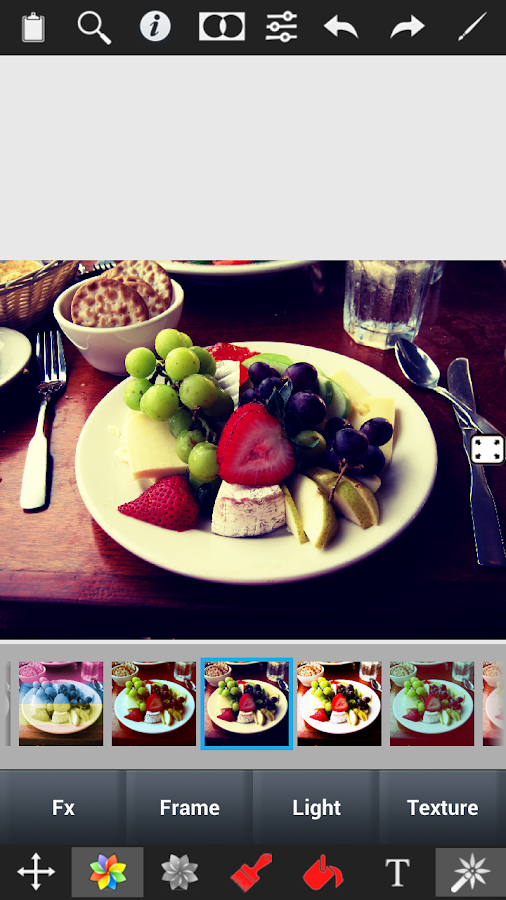
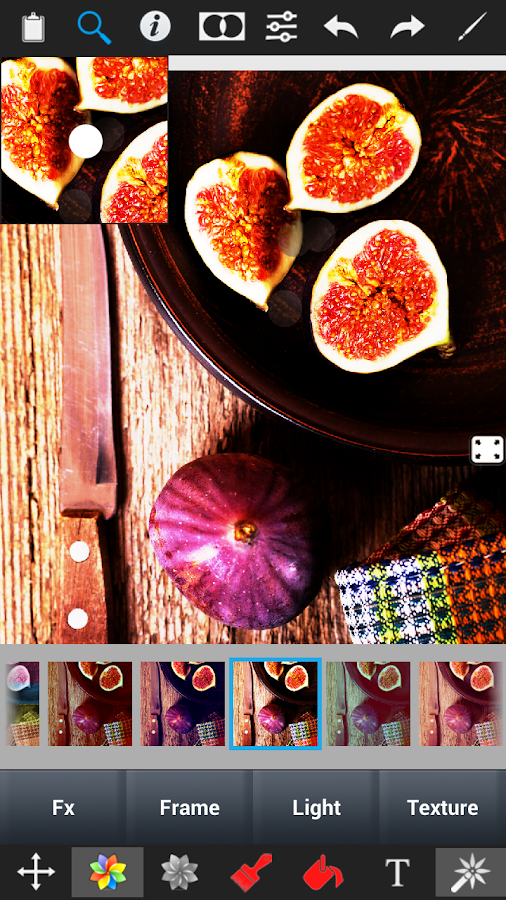
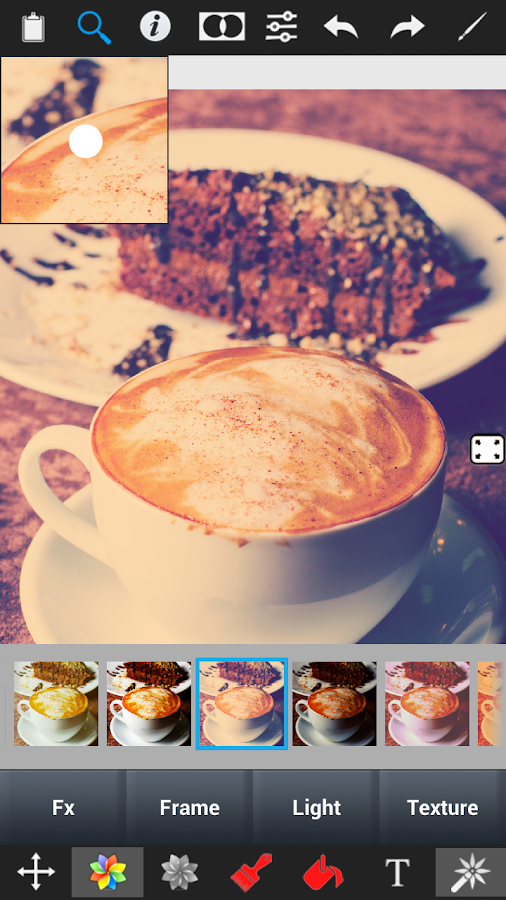
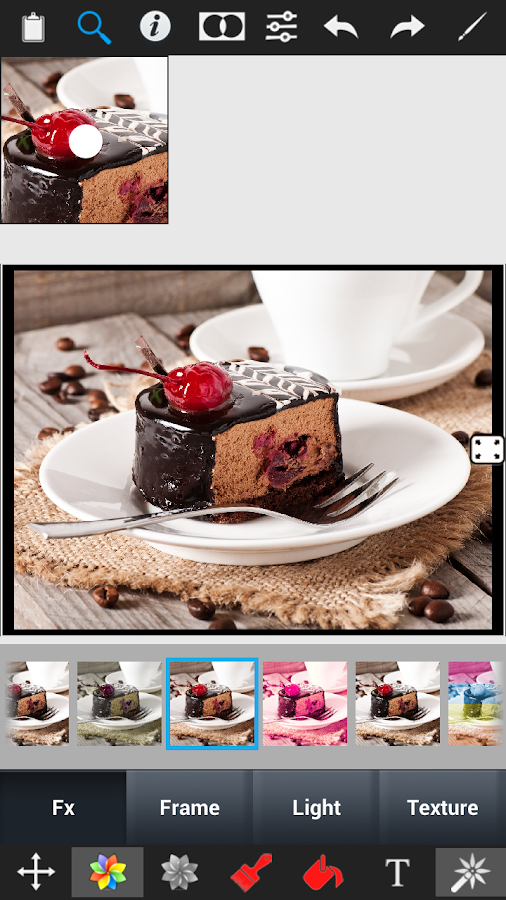
APK: UCam Ultra Camera Pro v4.0.1


UCam Ultra Camera Pro

Description:
This is Pro Version of UCam. There are main 3 differents than Free version-
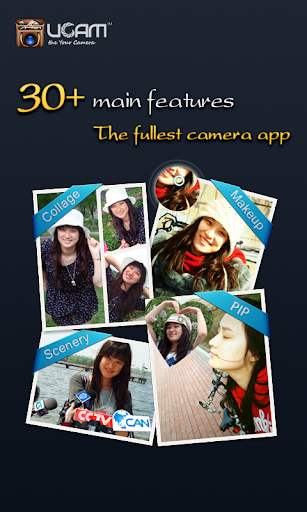
01. 30+ real-time effects.
02. High performance timestamp
03. more stable.

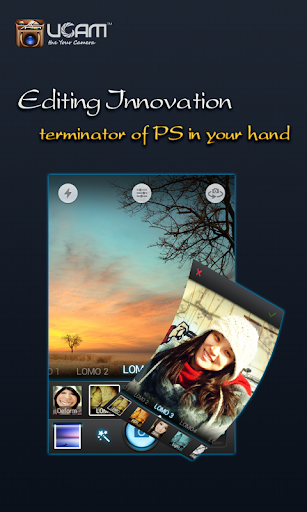
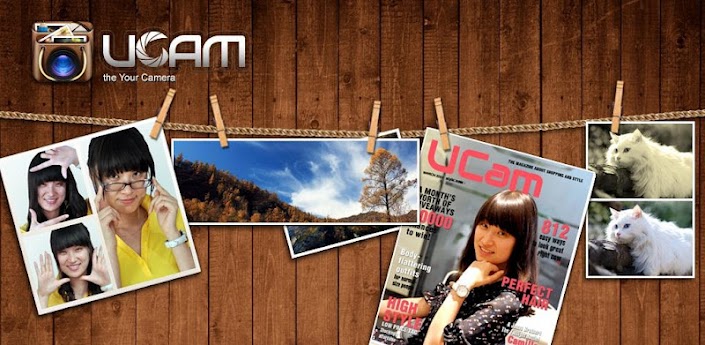
UCam is an absolutely ultra camera application, it 
  • Support more than 30 software/hardware camera parameters to make sure high quality picture/video.
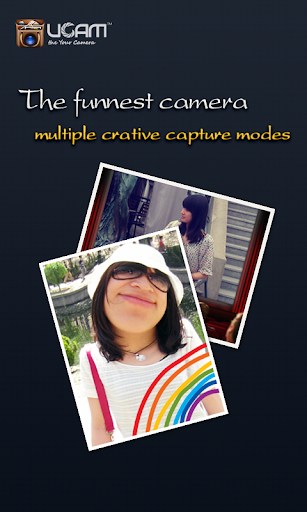
  • More than 60 capture scenarios help you to be a shining star on magazine, billboard and LED screen.
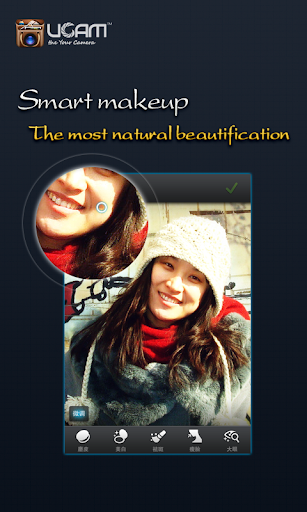
  • The best image post process tool-①more than 100 effects②abundant edit function③perfect text, bubble and label④Excellent graffiti⑤hundreds of frames, 
  • textures and decorators⑥convenient puzzle.
  • Unique Picture In Picture (PIP) capture mode.
  • Most convenient GIF animation maker.
  • The fastest burst shot camera.
  • Most convenient SNS posting tool- post picture/message to all your SNS sites/accounts simultaneously (support facebook, twitter, flickr, sina weibo, QZone, renren, kaixin, tencent weibo and sohu weibo).
  • Most secure spy camera.
  • Vehicle traveling data recorder.
  • Convenient file share between PC and Phone with just one shoot.
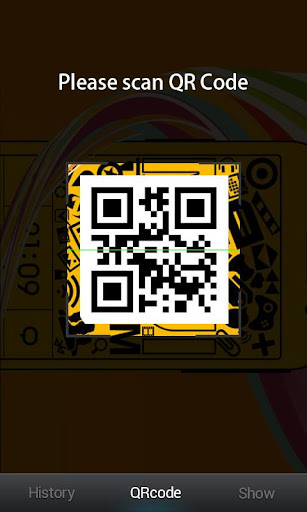
  • Full support to QR Code.
  • All these are in UCam. Without UCam, you need more than 10 apps of 100MB memory.
  • UCam, your ultra camera, the only camera you need!

What's in this version:

New mode selection UI.
Enhanced filters & customizable filters UI.
Album list enhancement.
Add file rename feature.
Enhanced setting menu.
Fix bug of missing pictures in external SD card.
Fix bug of missing record resolution.

Required Android O/S: 

2.2+

Screenshots :


Download: 10MB


Saturday, 17 August 2013

APK: Color Splash Effect Pro v1.4.9


Description:

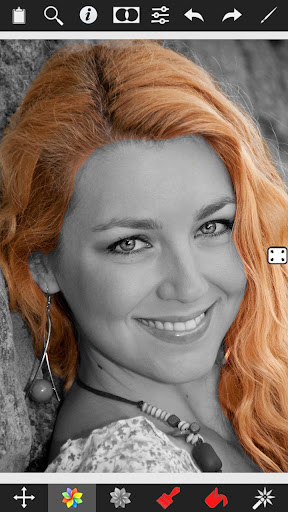
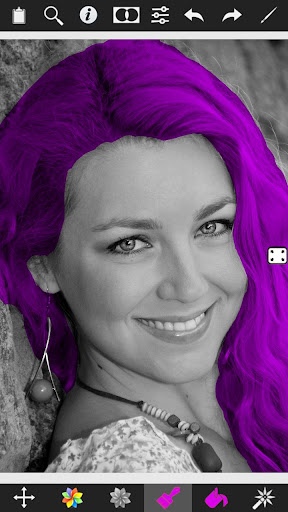
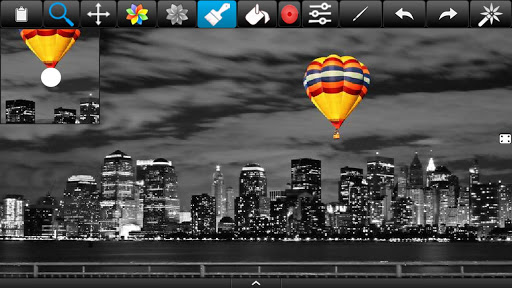
Color Splash Effect lets you quickly and easily give photos a dramatic look by converting them to black and white, while keeping your chosen details in color. This effect draws the viewers' attention to the colored areas, creating striking images.

Most selective coloring apps give you 2 painting choices: Gray or original color. Color Splash Effect gives you this PLUS the ability to paint nearly ANY color!


The intuitive and responsive multi-touch user interface makes Color Splash Effect amazingly easy and fun to use. Use your finger as a brush to "paint" sections of your image black and white, or to bring back the original color. Zooming in and out using the two-finger pinching gesture allows you to work on details with pixel-accuracy.


Features:

  • Share your edited images on Facebook.
  • Save multiple sessions to resume your work later.
  • Undo any number of accidental brush strokes.
  • An alternative view mode highlights the regions that will remain in color with a red tint. This makes it easier to see and adjust the boundaries between color and black & white regions.
  • Choose from 4 different brushes (hard or soft edged, opaque or transparent)
  • Work in landscape or portrait orientation.
  • Hide the toolbars in full screen mode.
  • Optimized for tablets
  • Pinch zoom(zoom with fingers)
  • Scalable brush size
  • Change colors of your photos

What is more than others:

  • Provides highest resolution results.
  • Provides landscape and portrait mode.
  • Two different user interface designs, one for phones and one for tablets.
  • Tablet design provide more space for photos.
  • Most realistic color replace operation unlike other apps.

What's in this version: 

21 new effects
33 interesting and all new effects
24 frames and borders
18 special overlay light effects
12 textures
Thousands of effect combinations
New Adjustment tools
Contrast adjustment
Warmth adjustment
Brightness adjustment

Required Android O/S: 

2.1+

Screenshots:

Color Splash Effect Pro - screenshot Color Splash Effect Pro - screenshot


Download: 11MB


Monday, 12 August 2013

APK: Camera FV-5 v1.51


Description:

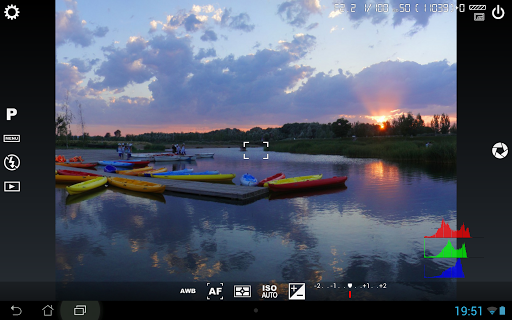
Tailored to enthusiast and professional photographers, with this camera application you can capture the best raw photographs so that you can post-process them later and get stunning results. The only limit is your imagination and creativity!

Features :

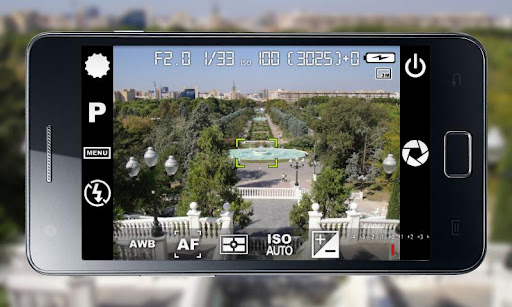
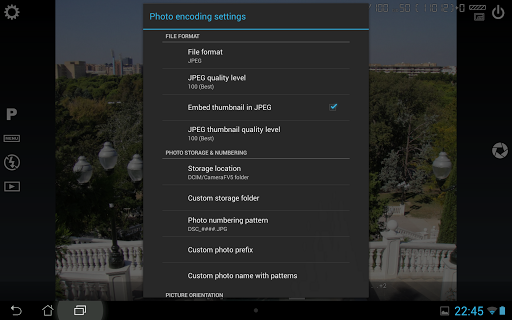
  • All photographic parameters are adjustable and always at hand: exposure compensation, ISO, light meteringmode, focus mode, white balance and program mode.
  • DSLR-like viewfinder display: see exposure time, aperture and stops display with EV and bracketing settings.
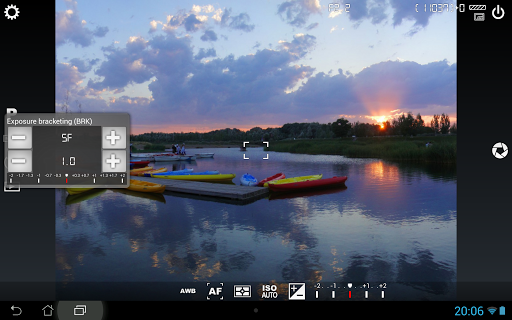
  • Full fledged exposure bracketing: from 3 to 7 frames, unlimited stops spacing, plus custom EV shifting.
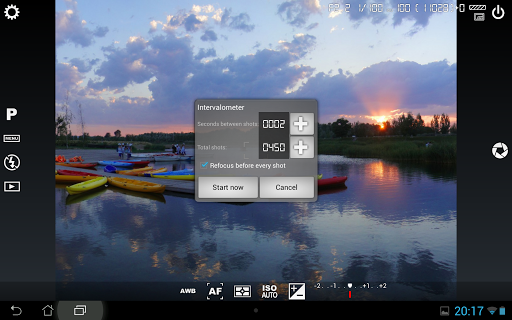
  • Built-in intervalometer: make stunning timelapses (even bracketed/HDR timelapses) and time-controlled picture series.
  • Program and Speed-priority modes.
  • Long exposure support: take beautiful night photos and light trails with long exposure times up to 60 seconds*.
  • JPEG as well as RAW (PNG) image formats for lossless photo capturing, perfect for post-processing.
  • EXIF and XMP sidecar metadata support.
  • Self timer for delayed shooting.
  • Autofocus, macro, touch-to-focus** and infinity focus modes, plus a focus lock switch (AF-L).
  • In background photo developing and processing allows a smooth, uninterrupted camera operation.
This camera application completely avoids scene modes, instead you get full manual control over all photographic parameters, just like you do with a reflex camera, so you can ultimately control every aspect of the picture, and leave the post-processing to the computer. So after your DSLR, you will never miss a photo opportunity again, being able to capture it with the closer sensation to your DSLR as possible.

What's in this version: 
  • For cameras:
    • Completely new shutter speed selection dialog.
    • Aperture priority.
    • Full manual exposure mode.
    • Realtime exposure preview on the viewfinder.
    • Smooth optical zoom control with the zoom wheel.
    • Additional flash modes available depending on the device.
  • Other changes:
    • New: added Samsung Galaxy S4 for live exposure and ISO metering.
    • Fixed: bad exposure compensation mapping on some Samsung Galaxy S III and S4 devices.- Fixed: now flash settings are back on Galaxy Ace phones.
Required Android O/S: 
2.2+

Screenshots :


Download: 3MB
 

Sunday, 11 August 2013

APK: Snap Camera HDR v3.4.0


Description:

Snap is a camera and gallery application based on the camera included in Android 4.2 on the Nexus 4.
Take pictures and record video with a single click, no cluttered preview screen, just the two buttons you really need.

It has a simple, powerful user interface. Touch to focus, pinch to zoom, swipe to review and long press for photo settings. The photo controller includes settings for colour, contrast and sharpness (if supported by the hardware). The additional settings menu gives you access to: Picture and Video Size, Scene mode, Self Timer, Burst Mode, Time Lapse, Still and Video Focus Modes, JPEG Quality, Effects, ISO and Anti-banding.


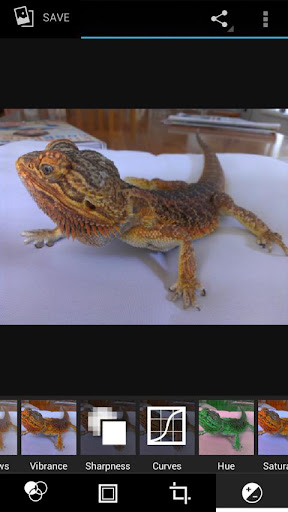
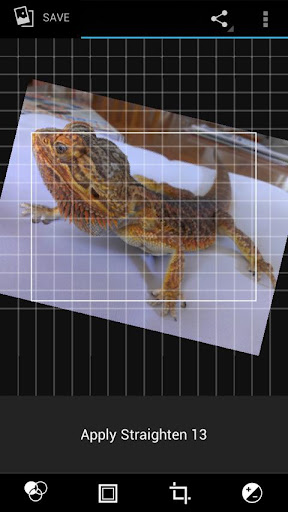
The powerful photo editor lets you add colour effects, borders, crop, rotate, mirror and straighten. You can also choose image effects, histogram modification and vignette. Undo an effect at any time from the history menu.

Share an image with any other app such as Facebook or Google+ by clicking on the share icon.


Snap works best on newer phones but will still run on older models.


The extra settings on the controller menu are only available on phones that support them. Most phones based on Qualcomm hardware do support these options but most others do not.


Camera apps are notoriously difficult to make compatible with all hardware. If it doesn't work, please don't rate the app badly, let us know and we will try to fix it.


Please post bugs and suggestions on the XDA thread for this app by clicking on "Visit Developer's Website" below.


What's in this version: 

Fixes for Galaxy S4 and new Nexus 7
Allow hiding of albums in the gallery
Improved HDR registration
New focus mode icons for the controller
New setting to keep HDR intermediate shots (enabled by default)
New setting to show a ghost image of the last shot in the preview (useful for stop-motion)
New setting to refocus between HDR shots (only needed on a few devices)
Settings to allow customisation of two controller icons
New UI is now the default
New icons

Required Android O/S: 

2.3.3+

Screenshots :


Download : 5.28MB
    

Friday, 2 August 2013

APK: XnRetro Pro v1.30


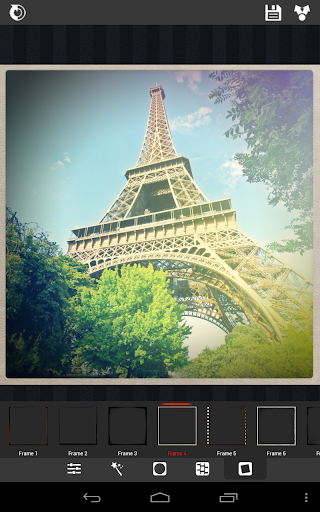
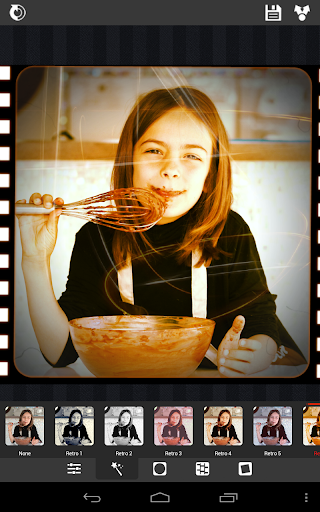
With XnRetro, you can easily create stunning images with vintage or instant effect.


Features:
Different color effects
Different frame borders
Contrast, brightness and saturation adjustement
Vignetting
Save in gallery
Share with your friends with Instagram, Twitter, Facebook, Email, ...

What's in this version:
2 effects added (4 for Pro version)
Texture added
Bugs fixed

Required Android O/S:
2.2+

Screenshots:


Download: 7.3MB
    

Tuesday, 23 July 2013

APK: Perfectly Clear v2.0.2


Description:
Athentech Imaging, the makers of Perfectly Clear, have been the industry leaders in Automatic Image Correction for years. Our powerful and desktop and intelligent LAB software have led the way for an award winning iPhone app and now Android app.

Camera phones lack the quality and sophistication that dedicated cameras have and often leave you with underexposed, washed out photos. Perfectly Clear Automatically corrects these images and turns them into stunning memories for years to come. Now, from the everyday smart phone user to the experienced mobile photographer, there is an intelligent way to automatically correct your photos anywhere, anytime.

With the new, completely redesigned interface, no effort is required to create and then share beautiful looking images with this fun-to-use app. Watch as Perfectly Clear automatically peels off your original photo to reveal a vibrant, color corrected photo with crisp details you couldn’t see in your original. Want more then automatic? Perfectly Clear lets you use our 10 patented correction to further customize your image the with the use of easy, intuitive sliders.

See for yourself the power of Perfectly Clear

Perfectly Clear for Android is available at an introductory price of $.99! That's 50% off.

This is your chance to get this great new app from an award winning software company. Perfectly Clear will transform you Android photos from mere snapshots into stunning memories.

What's in this version:
fixing bugs and stability issues

Required Android O/S: 
2.3.3+

Screenshots:


Download: 30MB