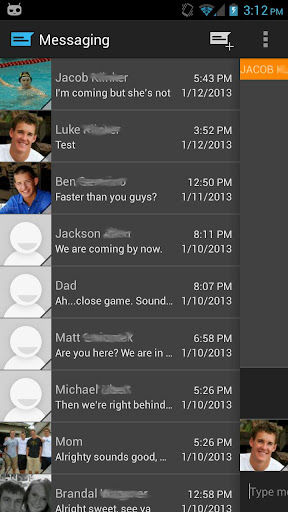
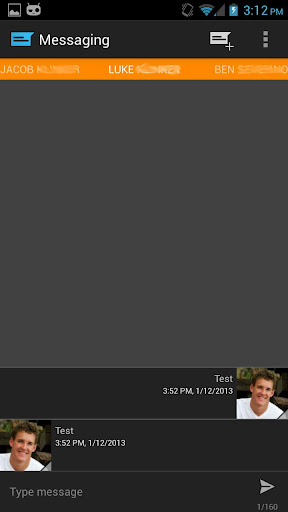
Description:Easily manage text messages in a new and up to date format compliant with the Android design guidelines and visually based on the stock messaging app from Google, with added features.
Features:Easily switch between conversations by dragging out the sliding menu on the left side of the screen.Start a new conversation by sliding out the menu on the right side of the screenManage old messages with a single clickChoose between light and dark themesLimited MMS supportEmoji supportAdjust text size and control notifications and theme though settingsQuick reply popupMulti-window support for Galaxy NoteLight Flow support
Pro Features:Currently limited MMS support (future improvement definitely coming though)Lots more coming in the future :)
Note:If you are having problems receiving notifications, you may need to uninstall 3rd party messengers such as Go SMS.When using this app, do not disable the stock messaging app as I use it to permanently save messages to the phone. You can however, disable notifications for it so that you don't receive 2 of them.
What's New:Quick fixes for force close some were experiencing, sorry about that!Added SlideOver, a replacement to the traditional popupAdded cards UI 2.0, a fully themeable, much faster and stabler cards based layoutAbility to search through messagesAdded Floating Notifications extensionOption to pin conversation list to the left side of the screen at all timesOption to show message counter on split SMS messagesMinor UI changesBug fixes
Required Android O/S: 4.0+
Screenshots:
Download: (4MB)
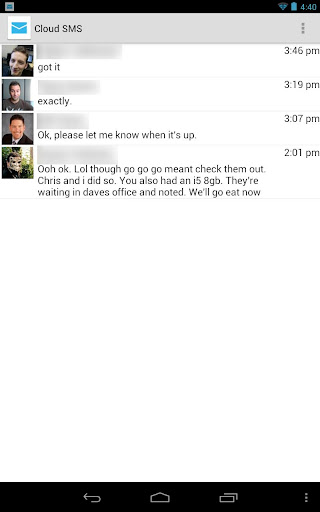
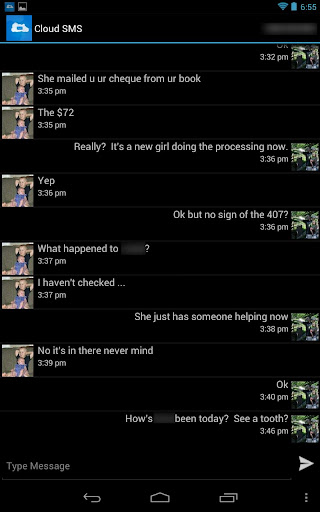
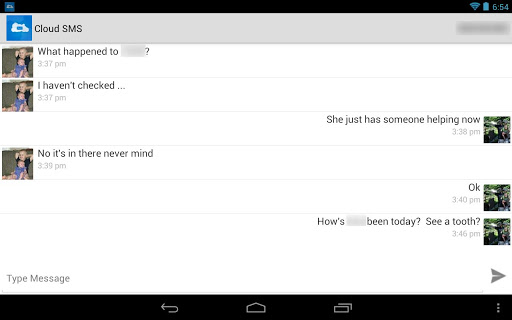
Description:Tired of putting down your Android tablet to check a new SMS on your phone? Me too. Cloud SMS is run on both your phone and tablet to allow you to send and receive SMS messaging from your tablet. My design goal was to build upon the stock Android Messaging app feel, with simplicity in mind.
This app works over the Internet and does not require bluetooth, does not share (or transmit) your contacts, and even hashes your account email for added security. All messages are transmitted over HTTPS with a high level of encryption for an added measure of security and privacy.Setup Requirements:Install and run on tablet.Install and run on phone.All done - send your first SMS from your tablet!Looking to send a message to a phone number instead of a contact? *Open Settings and change the Contact List Style to Contact Search / Number Entry. This option allows you to choose a contact by name with auto-complete, or by entering a phone number for the recipient.Important Notes:You will need to have the same Google account on both devices. If you have multiple accounts, you may have to select the correct account in settings.MMS is not supported at this time, but will be added in the future.
What's in this version: Project extra smooth butter - scrolling should be smoother than ever before with my new image cachingFixed Mark Read / Mark All Read from notification (really this time, I promise!)Fixed a few isolated issues when sending new messages from the tabletTweaks for Android 4.3 Fixed isolated Notification Mark All Read / Mark Read button where messages were not being properly marked for some devices. Fixed isolated Message Popup bug. Misc bug fixes on Tablet.
Required Android O/S: 2.2 ~ 4.1
Screenshots:
Download: 500KB